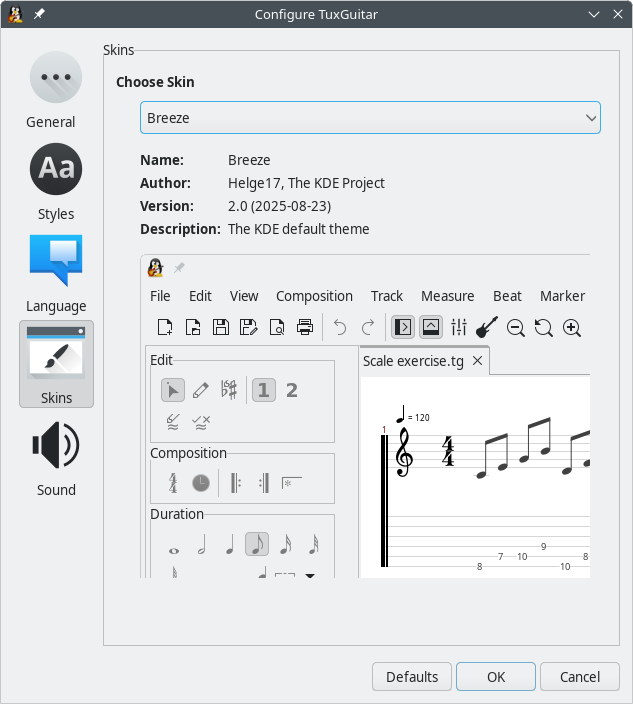
In the Tools → Settings dialog box, you can change some global settings of TuxGuitar.
In the General tab you can set the title of the main window and select the following three options:
- Enable Automatic Table resizing
- Launch splash screen on startup
- Play the beat when moving the cursor
In the Styles tab, you can select the fonts and colors used to display and print the notes, numbers and lyrics in the score and the tablature.
On the Language tab, you can choose whether TuxGuitar should use the system's default language or manually select a different language.
The last two tabs, Skins and Sound, are used to configure the appearance of the graphical user interface and to select your preferred audio output method.